
Clear user journeys
We identify the user’s goal, decisions and information needs, then organize navigation, content hierarchy and screens around that journey.
- User flows
- Information architecture
- Wireframes
DESIGN / UI & UX
We create intuitive, thoughtful interfaces for your users. Now add a little touch of your own.
Let’s design togetherSelect and drag an element. You can also move it with arrow keys; hold Shift for larger steps.
From strategy to interface, we design every detail around your users.
UI/UX Design and User Experience
We design user experiences and interfaces for web and mobile products. User needs, business goals and technical constraints guide the flows, prototypes and screens we create.
For a new product or an existing application, we consider the entire journey, from the first action to a completed task.
What we deliver
We identify the user’s goal, decisions and information needs, then organize navigation, content hierarchy and screens around that journey.
Clickable prototypes make forms, transitions and key interactions tangible. Feedback helps evaluate design decisions before development begins.
We organize color, typography, components and states into a shared design system, supported by behavior notes and assets for the development team.
The work in context
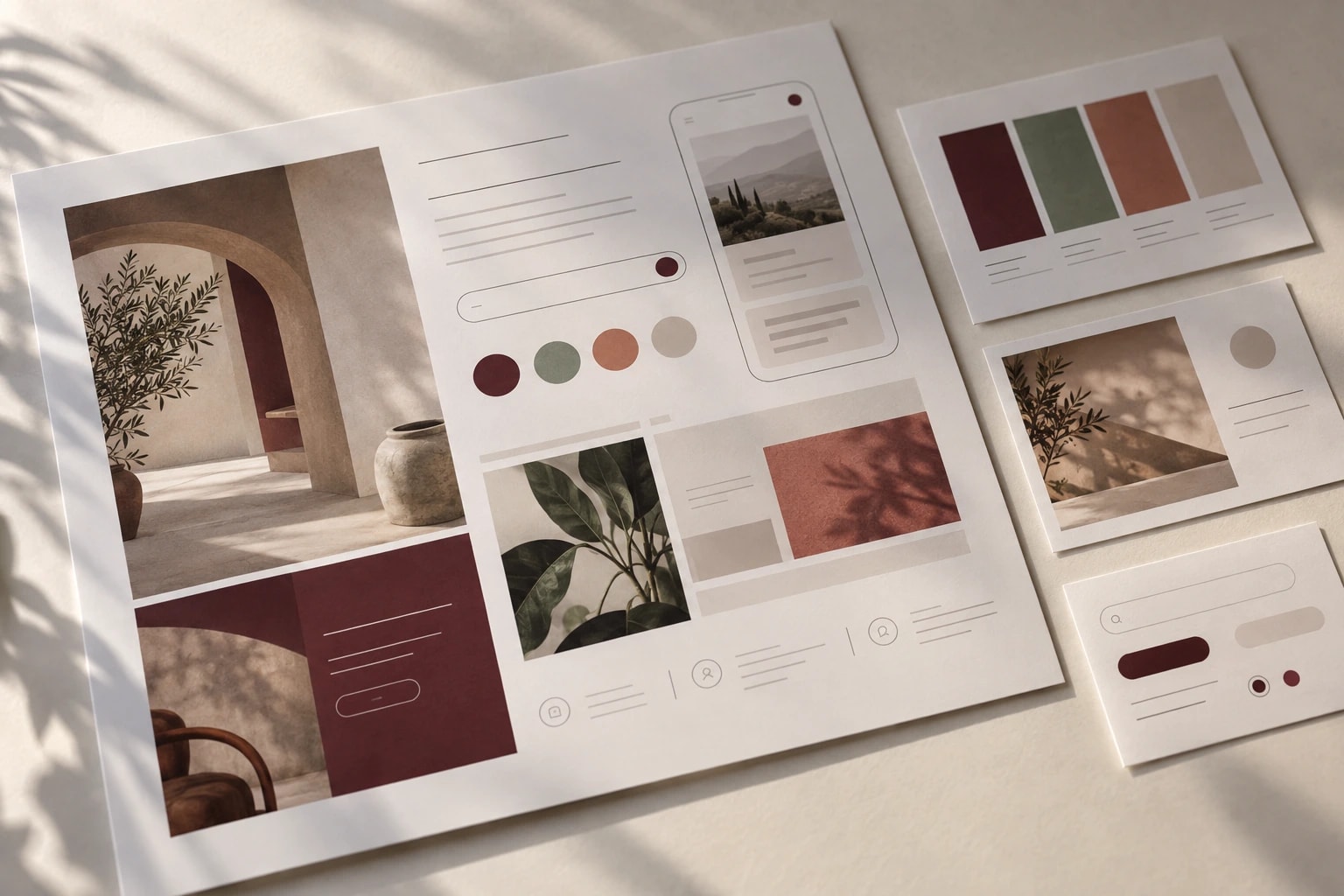
An input, a button and a screen belong to the same product. We consider how each part looks and how they behave together.
How we work together
Deliverables and the working plan are defined around the needs of your project.
Clarify the product’s purpose, users and constraints.
Review screens and key interactions through a prototype.
Develop the visual language, responsive layouts and component states.
Organize design files, behavior notes and assets.
Engineering in the details
Content and controls adapt to the context, rather than simply shrinking the desktop layout.
Readability, contrast, focus order and keyboard interaction inform design and are verified in implementation.
We clarify what the user can do when data is missing, loading or an action fails.
Common questions
Yes. Existing flows, feedback and technical constraints can guide priorities. We can begin with one user journey rather than changing the whole product at once.
Depending on scope, deliverables include user flows, screens, a prototype, components and development notes. We agree on the screens and states to cover at the start.
Our web and mobile development services can be planned alongside design. For design-only work, we can prepare the handoff for your existing team.
We consider the number of flows, research needs, the existing design system and the review process, then plan the scope around priority journeys.
Share your application or product idea. We can start with your target users and the design scope.