
Circuit and components
We define power, I/O, sensing and communication needs, considering function, availability and operating conditions when selecting components.
- Circuit schematic
- Bill of materials
HARDWARE & PROTOTYPING
The right components, thoughtful connections, working prototypes. Assemble your own board and see your idea light up.
Let’s design your first prototypeA SMALL BOARD. YOUR PERSONAL TOUCH.
From component to working product. Engineering in every connection.
Select a component in the tray and tap its numbered socket, or drag it onto the board. PCB Layout opens once all three parts are placed. Start at A; click turning points or drag and release. Finish at B. Leave space around components and other copper traces. Complete three connections, then power the circuit. Reduce the sensor light input and try the button on the board.
Use Tab to select components and sockets, and Enter to place them. After selecting Start drawing a connection, move with the arrow keys and press Enter to add a corner. Backspace removes the last point; Esc cancels drawing. Zoom and fit-view buttons also work with the keyboard.
This experience simulates connection continuity and lighting behaviour. Studio lighting stays constant. With reduced motion enabled, camera and placement transitions are removed and the LEDs stay steadily lit.
Electronic Hardware Design and Prototyping
We design electronic hardware around product functions and operating conditions, bringing schematics, components, PCB layout and testing together in a physical prototype.
For new boards or improvements to existing hardware, we work from measurable requirements and testable steps.
What we deliver
We define power, I/O, sensing and communication needs, considering function, availability and operating conditions when selecting components.
Placement and routing follow electrical, mechanical and manufacturing constraints, in coordination with the rest of the product.
We evaluate initial board functions through controlled tests, using findings to guide revisions and subsequent prototypes.
The work in context
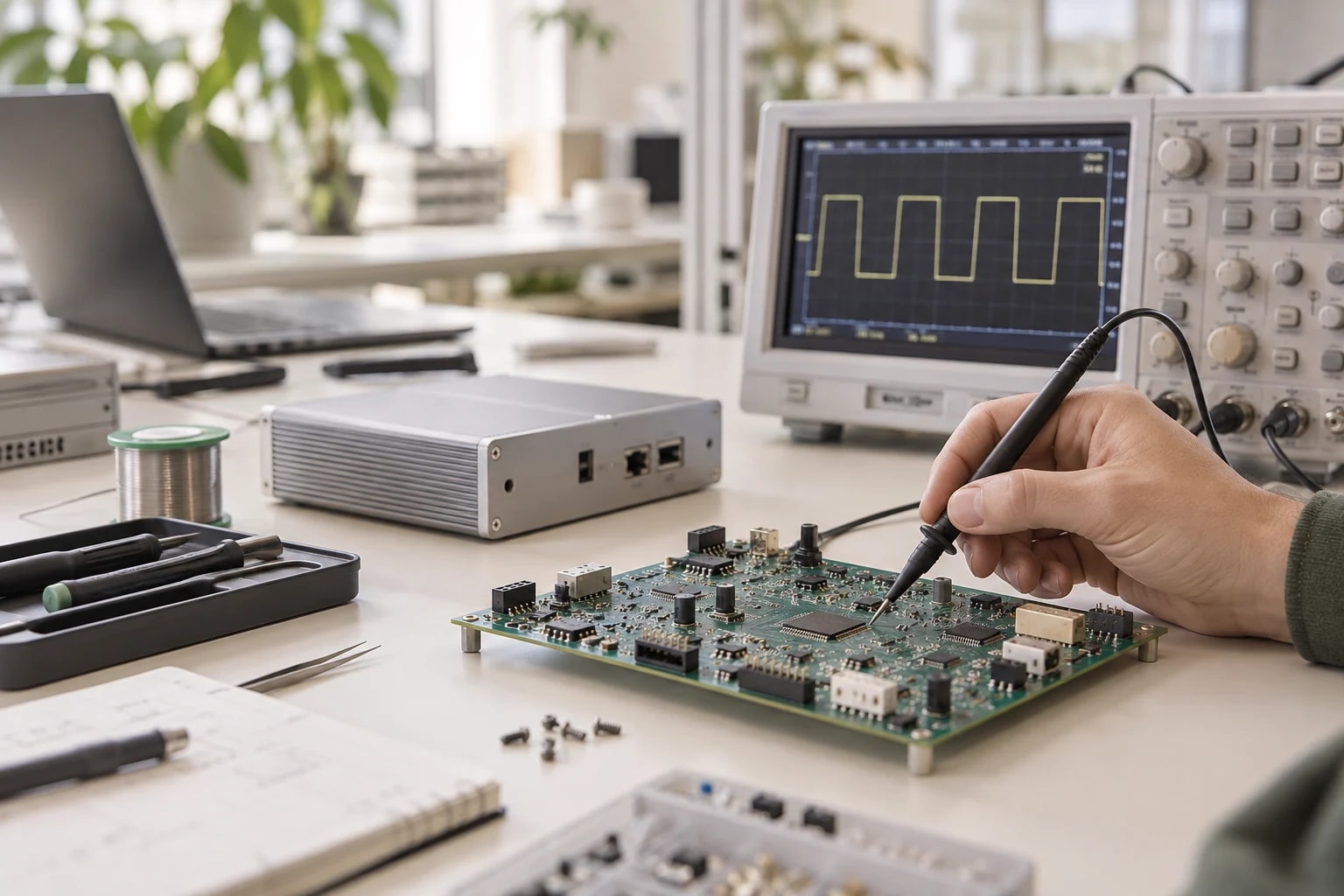
Power behavior, signal integrity and physical placement matter alongside connections in the schematic. Prototyping shows how those decisions perform on a circuit.
How we work together
Deliverables and the working plan are defined around the needs of your project.
Clarify functions, power and operating environment.
Develop the circuit and board layout together.
Prepare fabrication and assembly, then evaluate the initial board.
Record measurements and identify required changes.
Engineering in the details
Power and thermal behavior are assessed against operating conditions.
Connectors, mounting and enclosure relationships inform the board design.
Manufacturing limits and component availability inform prototype decisions.
Common questions
No. A functional prototype may validate an idea. Production preparation separately considers manufacturing, testing, supply and product-specific conformity requirements.
We assess schematics, PCB files, component information and reported issues. Available source files and technical constraints guide the approach.
Testing depends on functions, environment and risks. The page’s interactive experience is a simulation, not a substitute for physical prototype testing or product conformity assessment.
Share the product’s functions, operating environment and any existing circuit documentation.