
For visitors
An experience that adapts to different visual, hearing, motor and cognitive needs.

DIGITAL ACCESSIBILITY, FOR EVERYONE.
Help visitors access your content in ways that work for them. Accessiblee brings personalized accessibility tools, AI assistance and continuous auditing into one family of solutions.
Web accessibility · AI assistance · Continuous monitoring
Different needs. Equal access.
Read, listen, navigate.A MORE INCLUSIVE EXPERIENCE
Reading content, finding a link, completing a task. Accessibility makes a difference at every step of the digital experience.
An experience that adapts to different visual, hearing, motor and cognitive needs.
Analysis that makes issues visible, with priorities and practical guidance for improvements.
Tools that fit your existing design and help more people access your services.
IN THE VISITOR’S HANDS
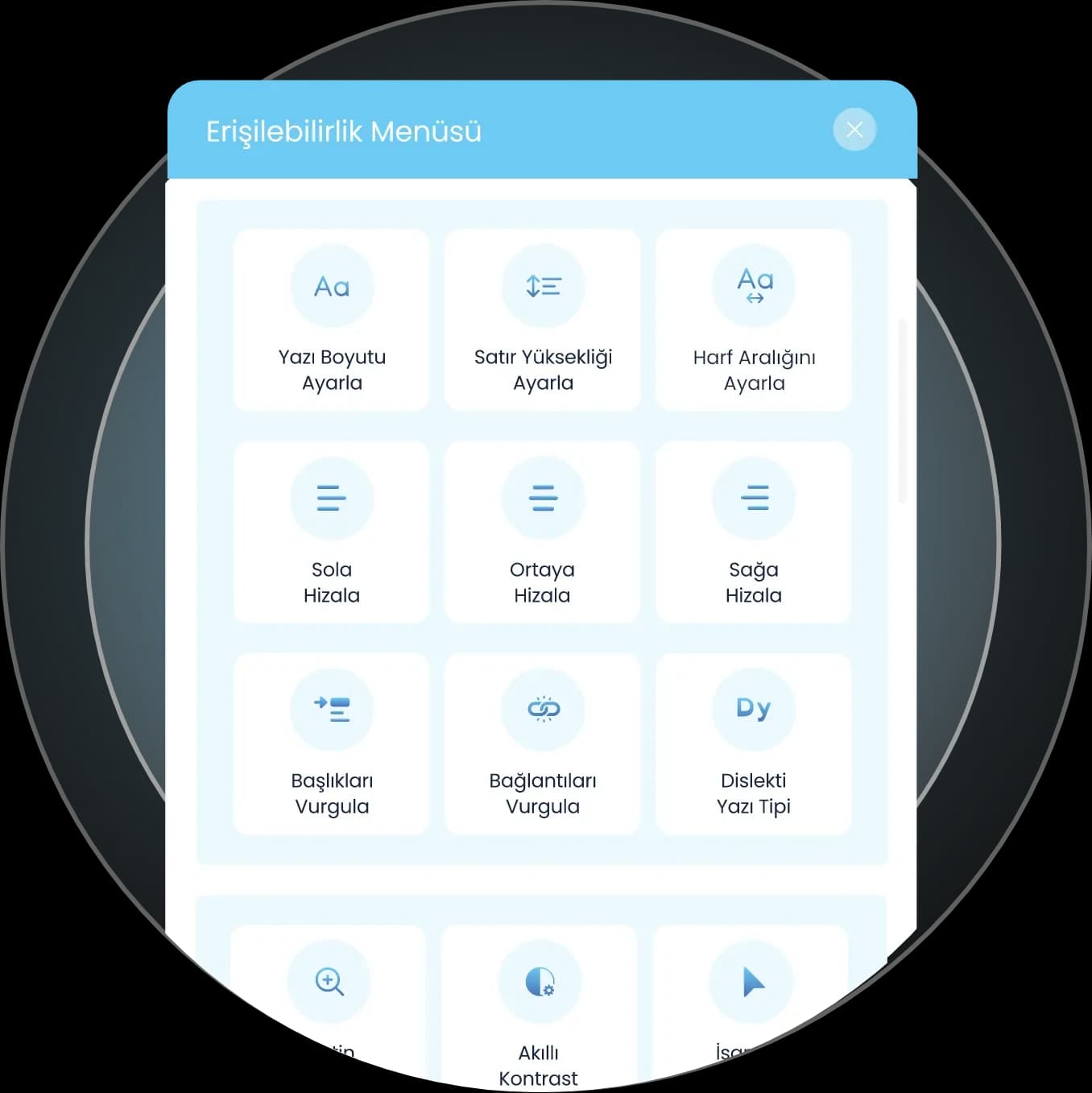
From text size and color contrast to spacing and link highlighting, visitors can adjust how they experience your content.
Text size, line height, letter spacing, alignment and dyslexia-friendly font options.
Smart contrast, heading and link highlights, a larger cursor and visible focus support.
Ready-to-use accessibility profiles for different vision, reading, focus and navigation preferences.
READING EXPERIENCE
Choose a setting to see how the sample content changes.
A good digital experience makes information easier to access. Choose a reading style that works for you and explore the content at your own pace.
Explore the solutionsSOLUTIONS THAT WORK TOGETHER
Tools that extend accessibility beyond the widget. More ways for visitors to access content, and a broader set of tools for the teams behind it.
Support for navigating and interacting with a website through voice commands.
An experience that helps visitors follow text aloud and access content through audio.
AI and natural language processing turn text into Turkish Sign Language videos.
Improvements that help fill in missing image descriptions and analyze content structure and access needs.
A tool to help discover accessibility issues on your website and begin the auditing process.
Colors, icons and placement to suit your brand. Manage settings and view feature usage reports in the control panel.

HELP YOUR CONTENT REACH MORE PEOPLE
Sign language translation presents your website’s text through Turkish Sign Language videos. Create more inclusive content across your website, social media and broadcasts.
Explore sign language translationCONTINUOUS ACCESSIBILITY MONITORING
New content, design changes and updates can introduce new barriers. Find issues through recurring scans and guide your improvements with actionable findings.
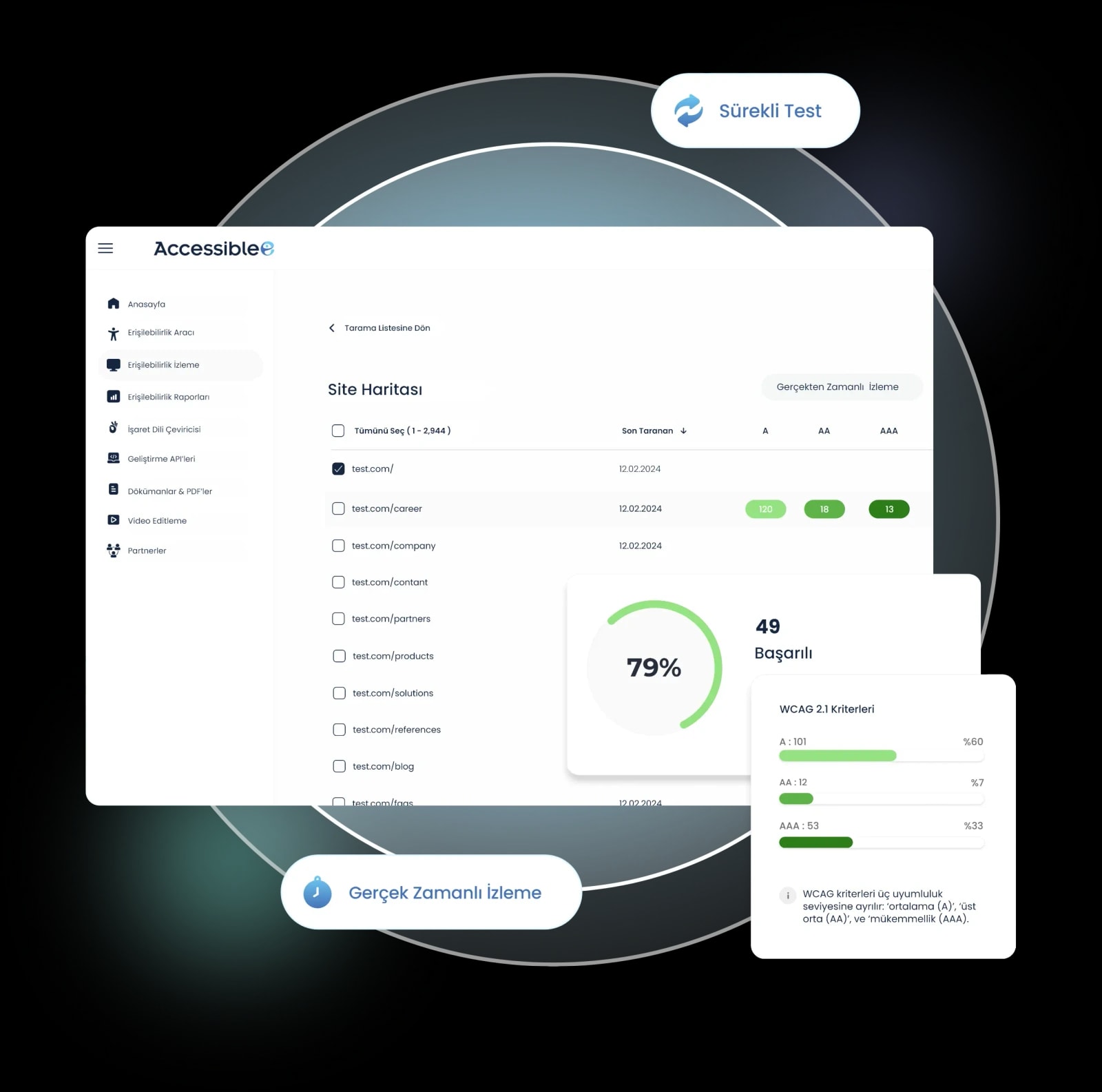
Analyze web pages at scheduled intervals in mobile and desktop views.
Assess issues by their impact on the user experience and see where they occur through screenshots.
Bring developer guidance and issue reports into your team’s workflow.
ACCESSIBLE PDFS AND DOCUMENTS
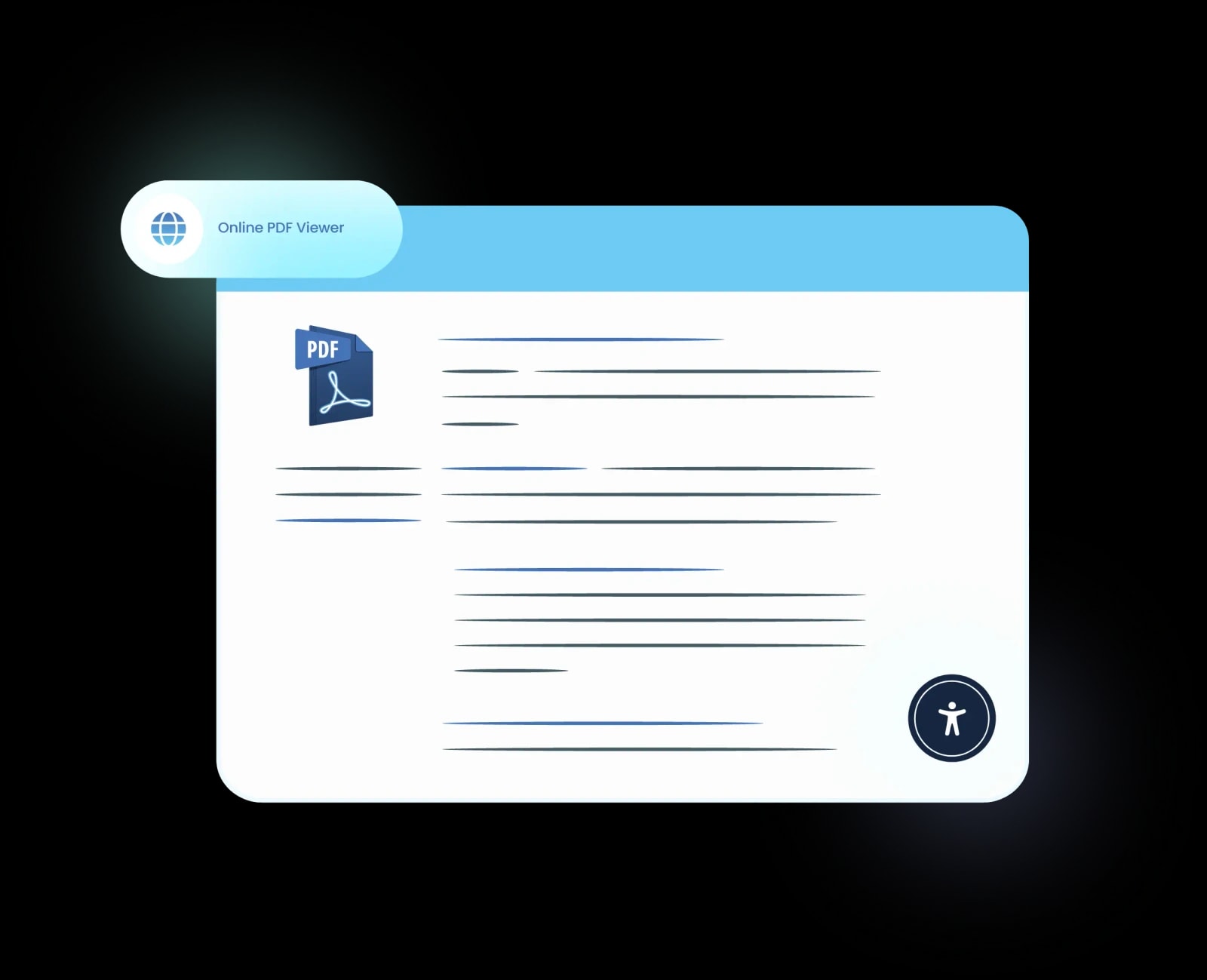
Catalogs, forms and information documents are part of the digital experience too. Accessiblee’s web-based PDF viewer brings accessibility tools to your documents.
WORKS WITH YOUR EXISTING WEBSITE
Integrate with your existing website, then configure the tool for your brand and your visitors’ needs.
Activate the accessibility widget by adding the embed code from the panel to your website.
Choose colors, icons and placement. Review and edit AI suggestions from your panel.
Keep your accessibility work up to date through regular analysis and usage reports.
Accessiblee supports WCAG-focused accessibility work. Combine automated tools with content improvements, technical development and user testing to build a more complete experience.
YOUR QUESTIONS
Organizations, online stores, service platforms and publishers who want to offer a more inclusive experience. The scope can be tailored to your website and its needs.
The accessibility widget integrates through an embed code provided in the panel. Colors, icons and placement can be configured to match your brand’s interface.
Yes. Administrators can review and edit selected improvements in the panel. For example, AI-generated alternative text for images can be updated.
The widget helps visitors adapt their reading and navigation experience. Continuous monitoring analyzes pages regularly to help teams identify, prioritize and address accessibility issues.
Yes. A web-based accessible PDF viewer and Turkish Sign Language translation are part of the solution family. We can explore the right components and integration scope together during a demo.
MORE ACCESSIBLE, TOGETHER
Let’s discuss your website, content and priorities. Discover Accessiblee with a demo shaped around your needs.